Skip to content
Hedra brand

Image creation and style

Create Hedra imagery in two steps: generate an image using photography.md, then optionally use the editor below to add special effects.

1. Generate an image

Give photography.md to your image generation tool for guidance on subjects, composition, lighting, and style.

Download photography.md

2. Add effects (optional)

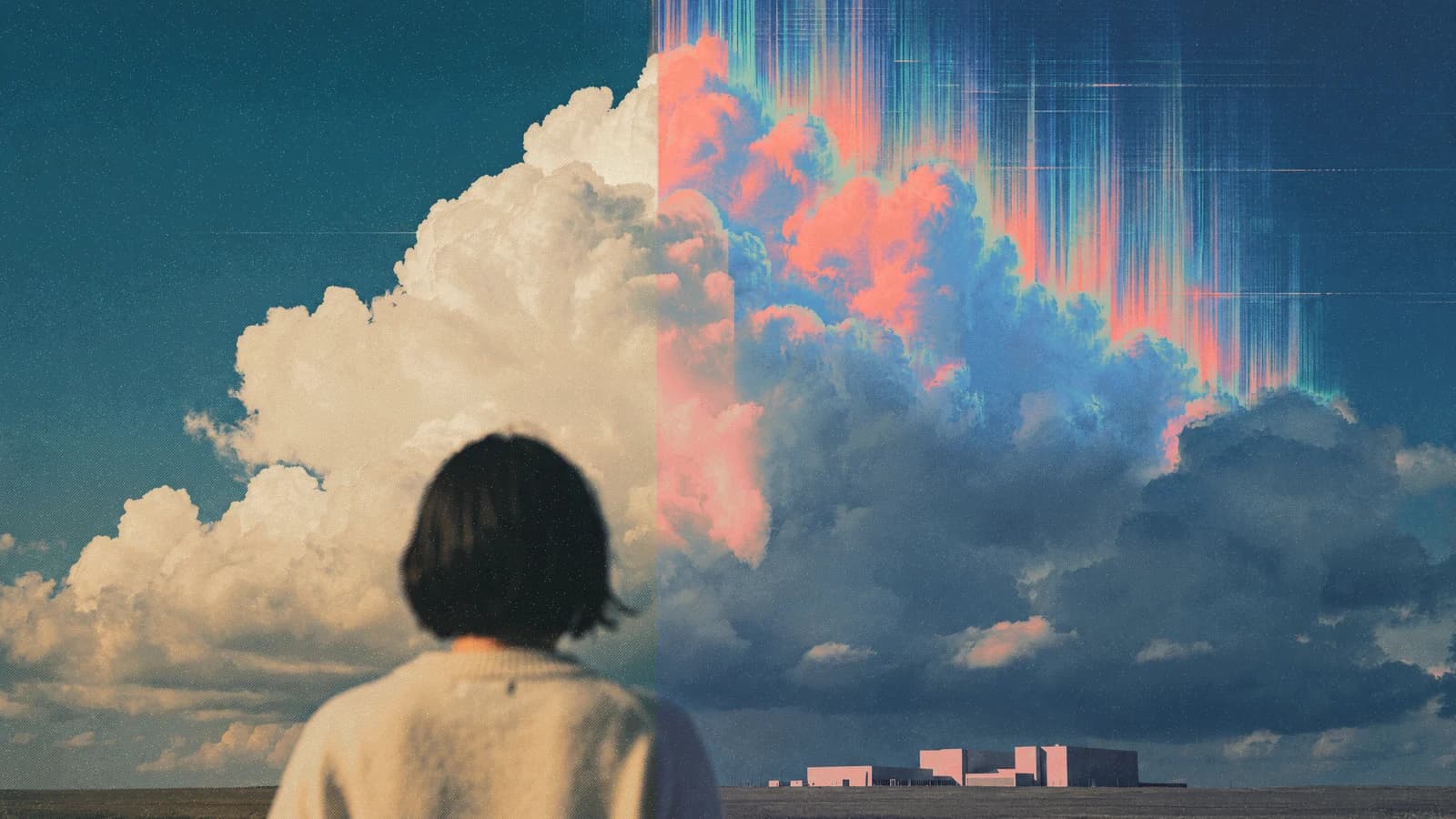
Upload your image, choose a look, and adjust texture, color, distortion, or motion.
Open full screen
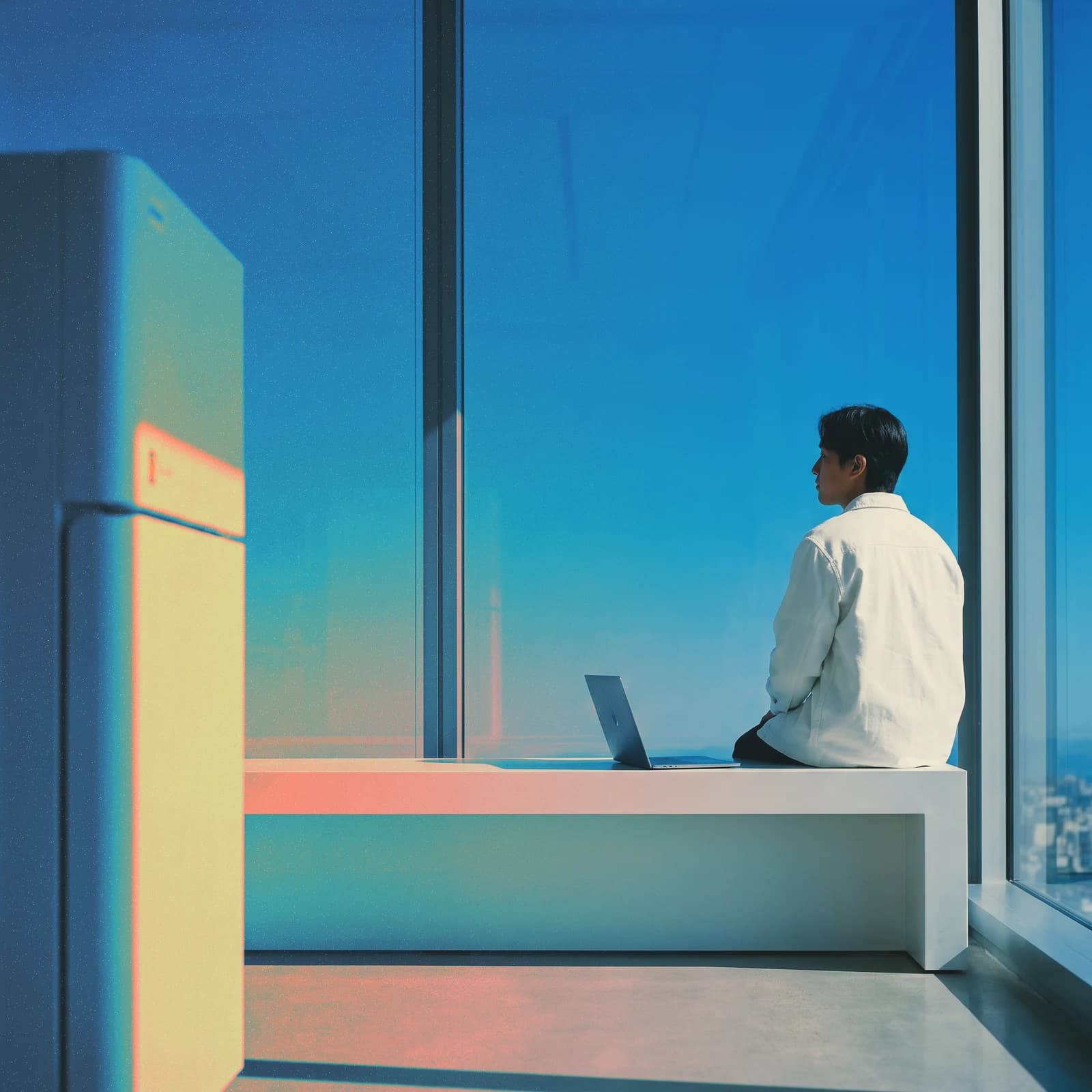
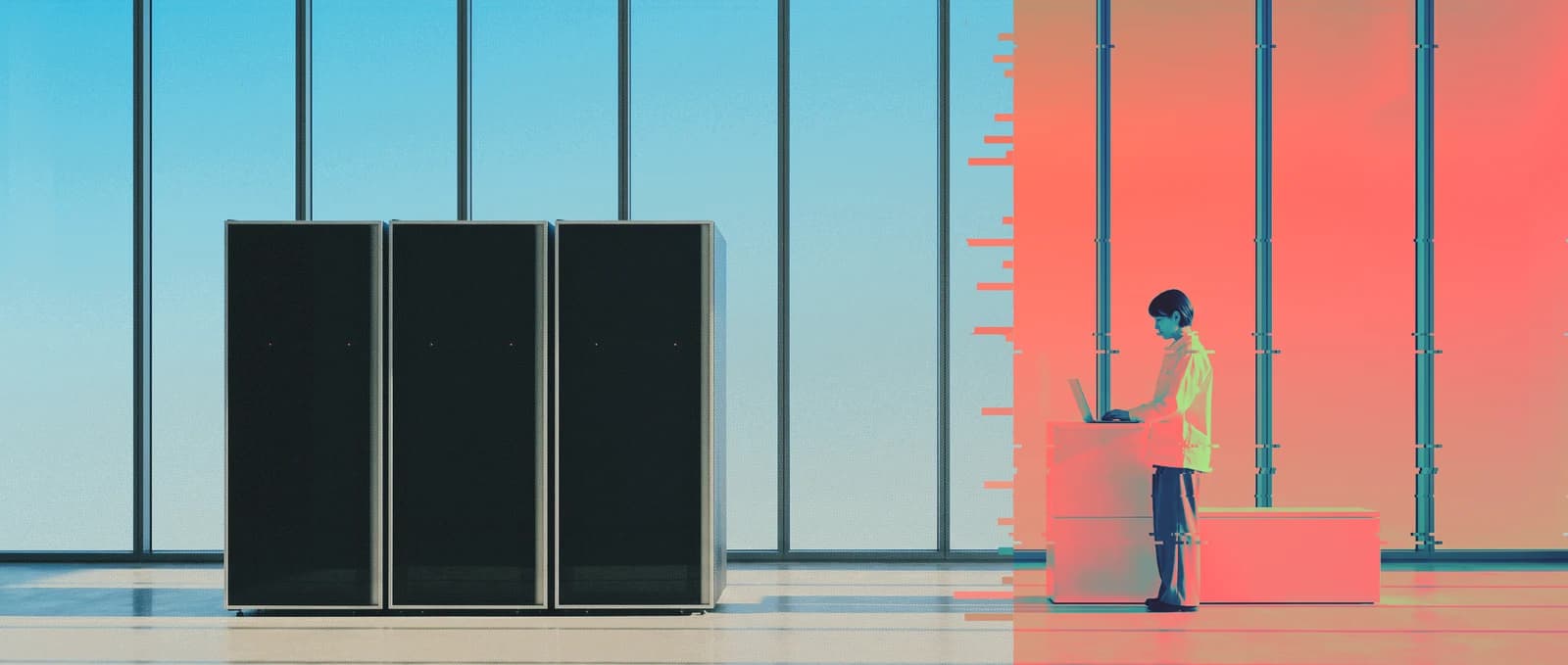
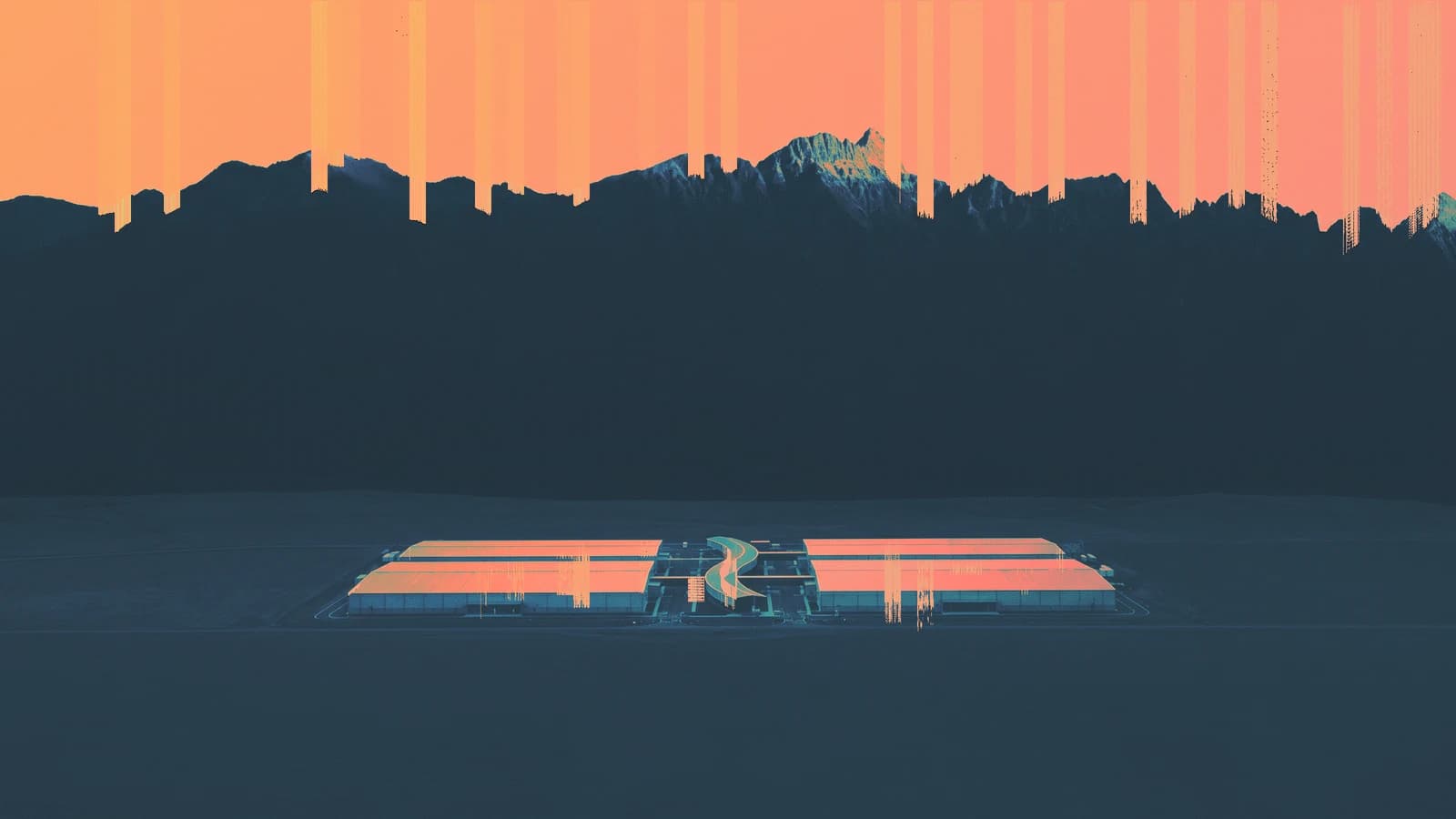
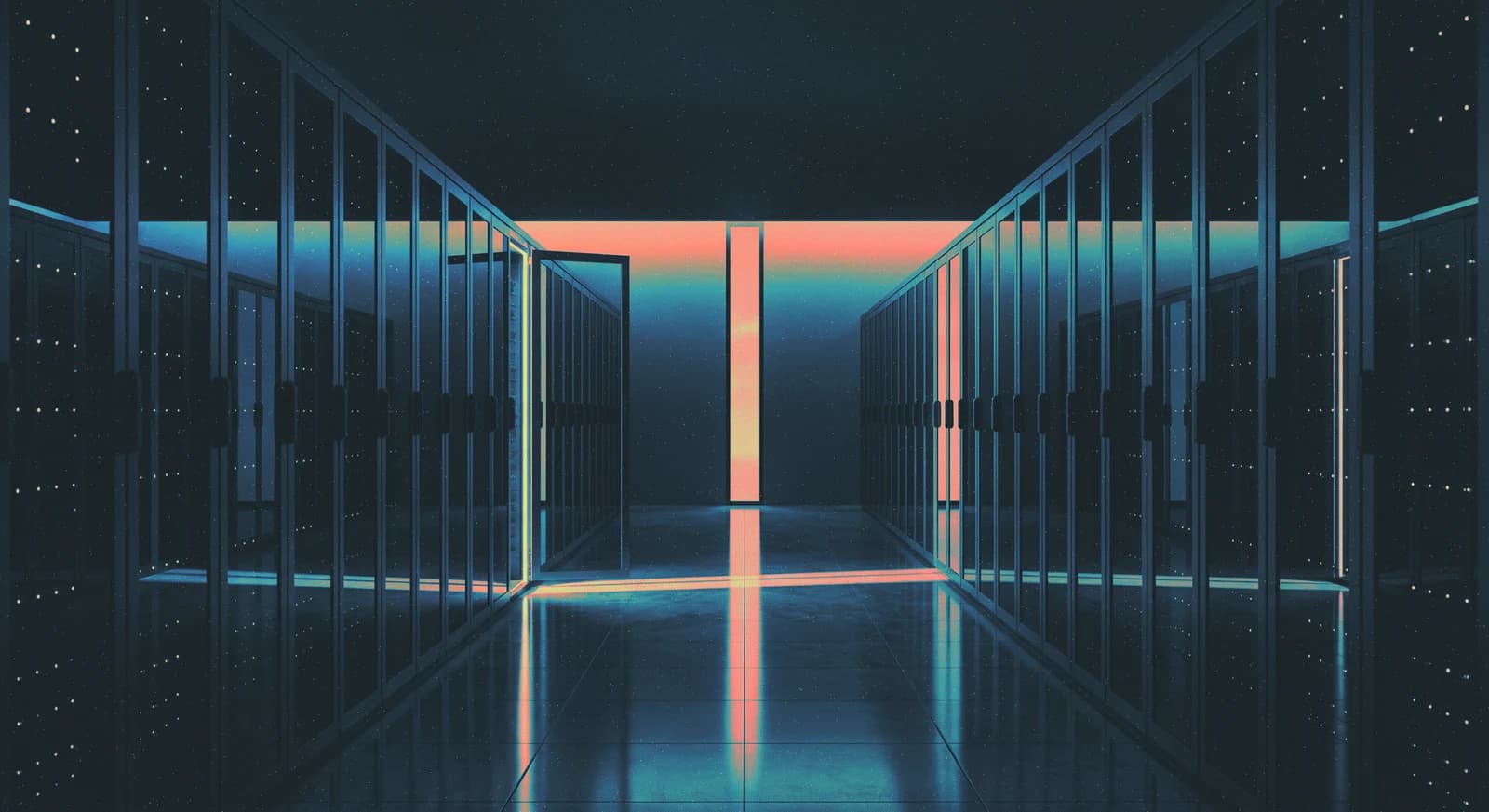
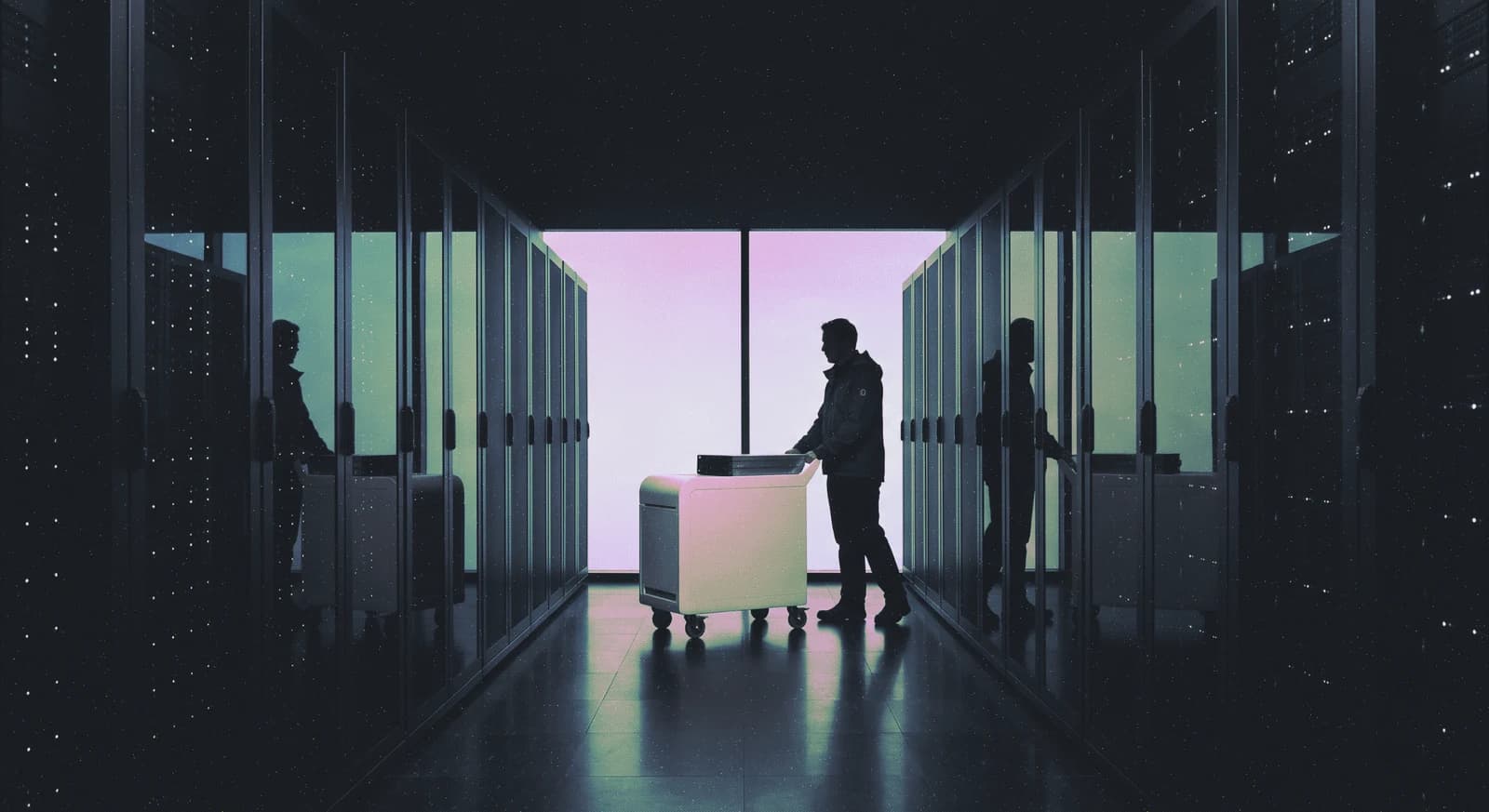
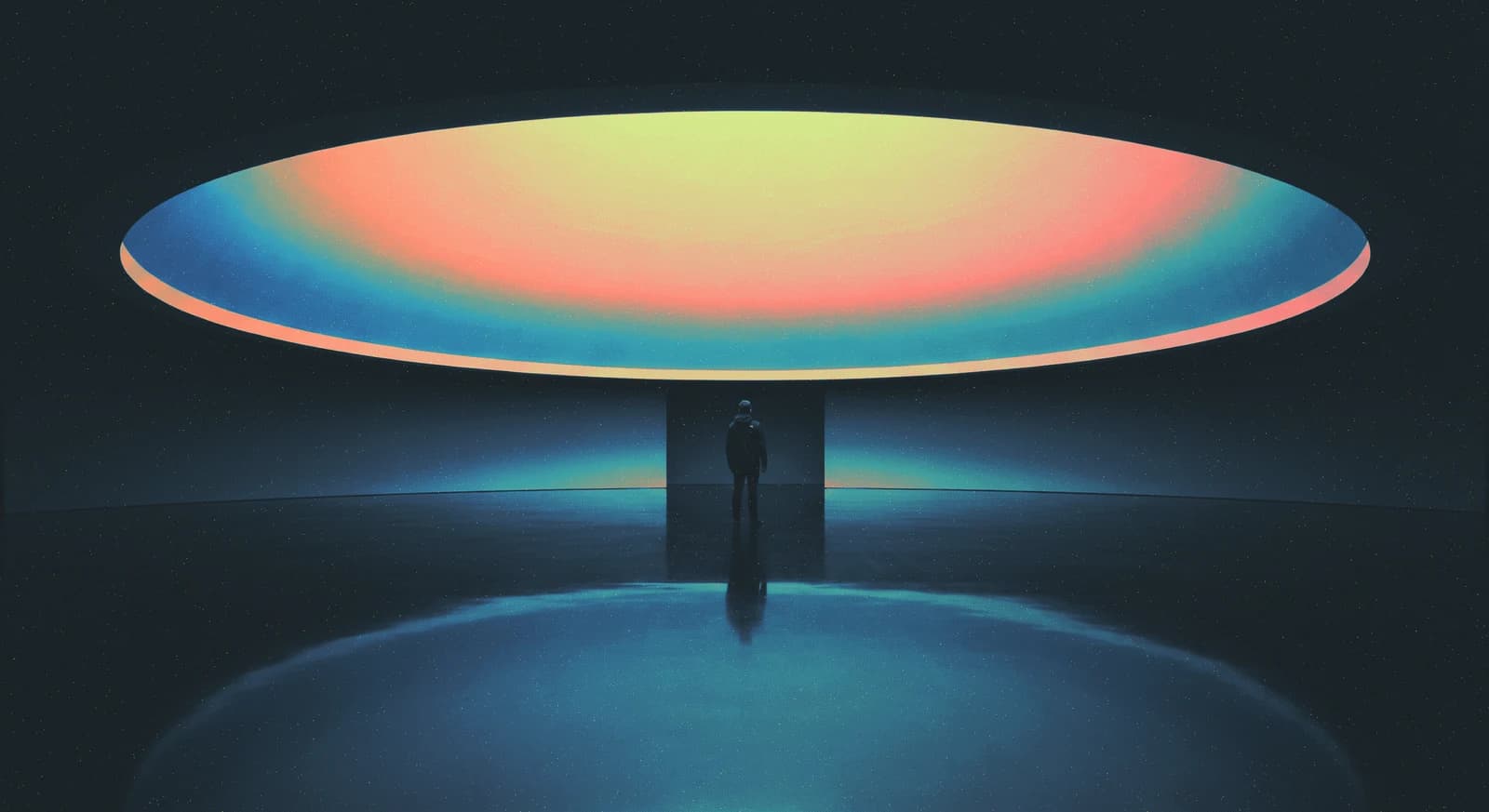
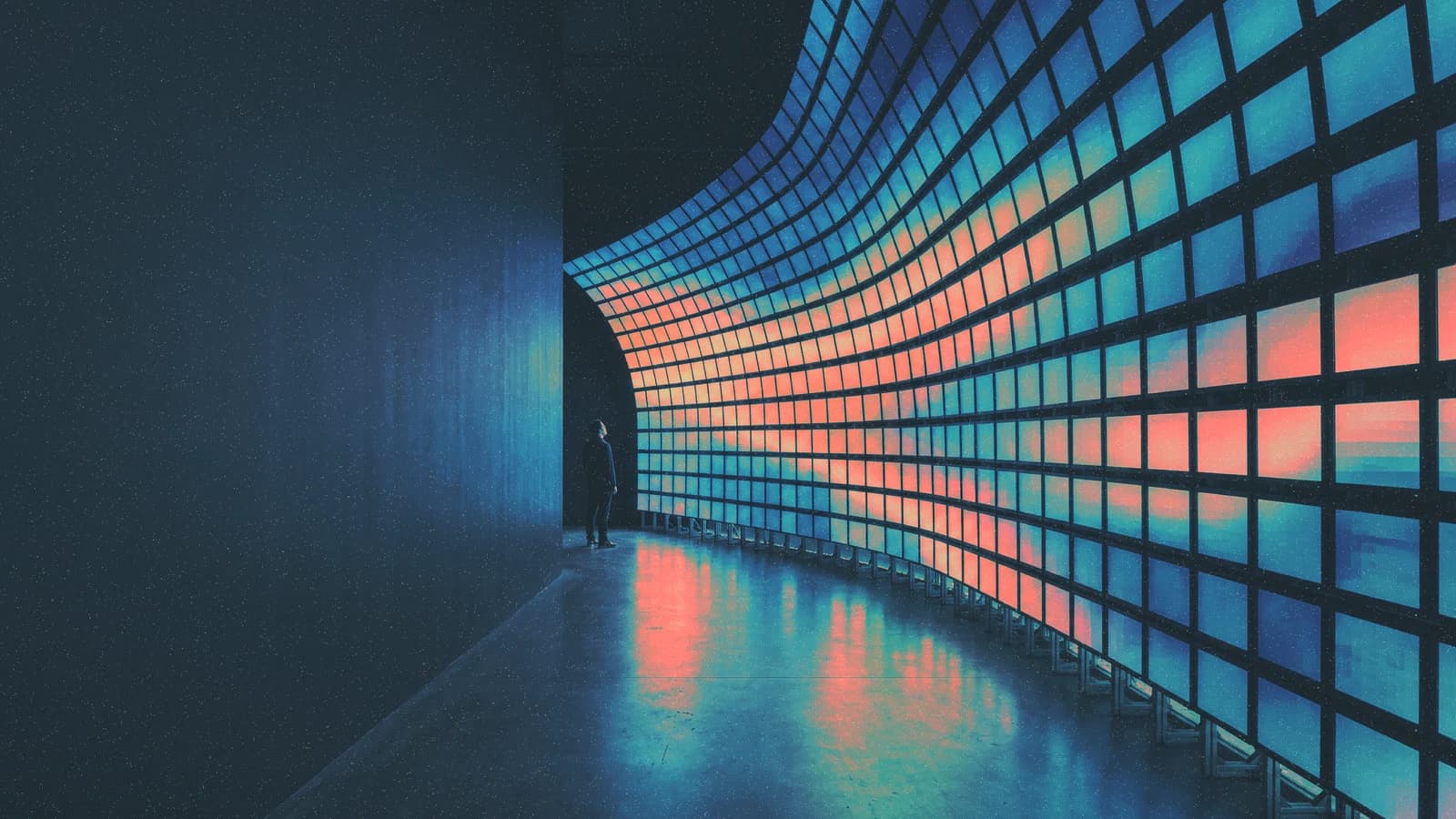
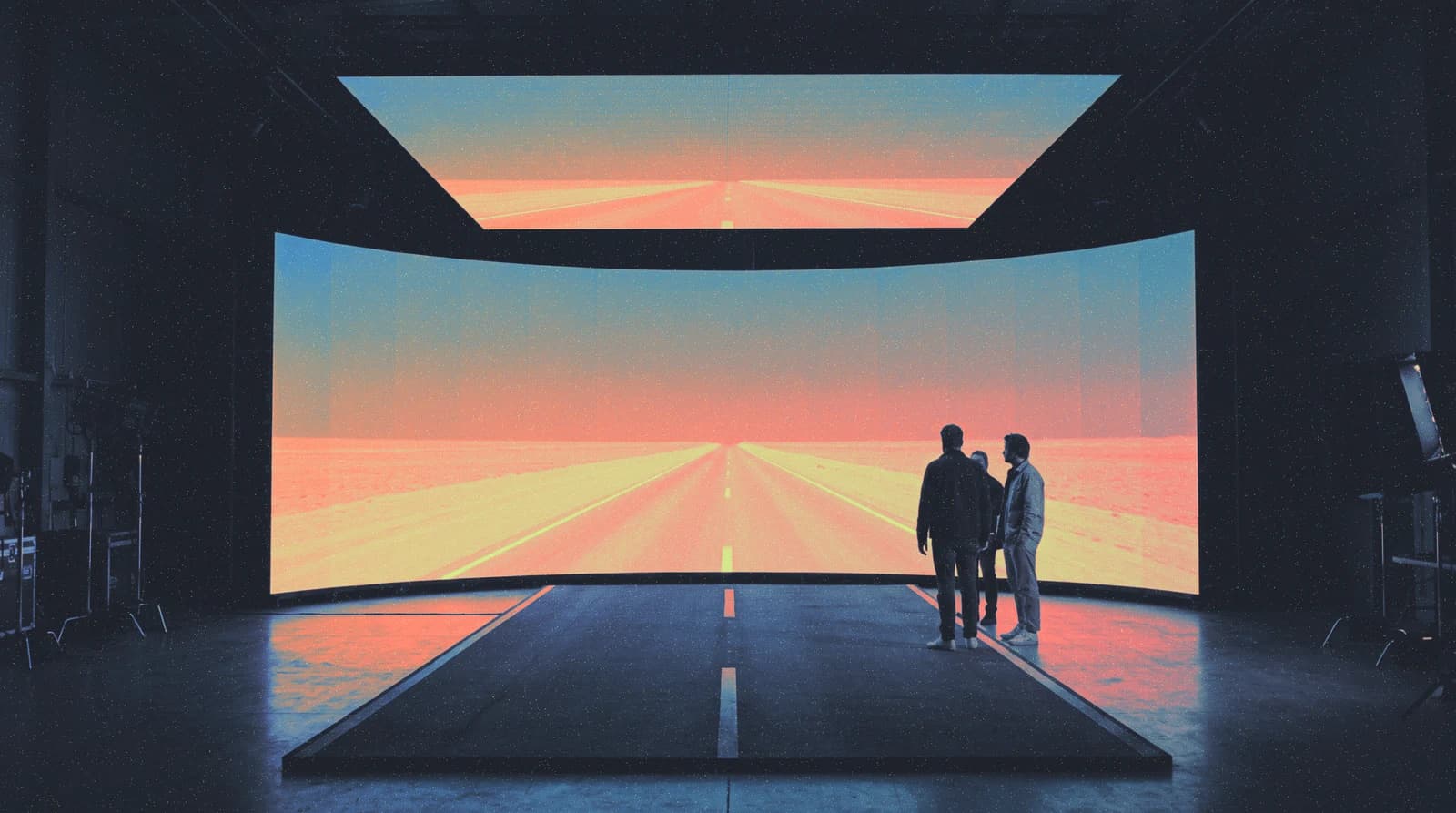
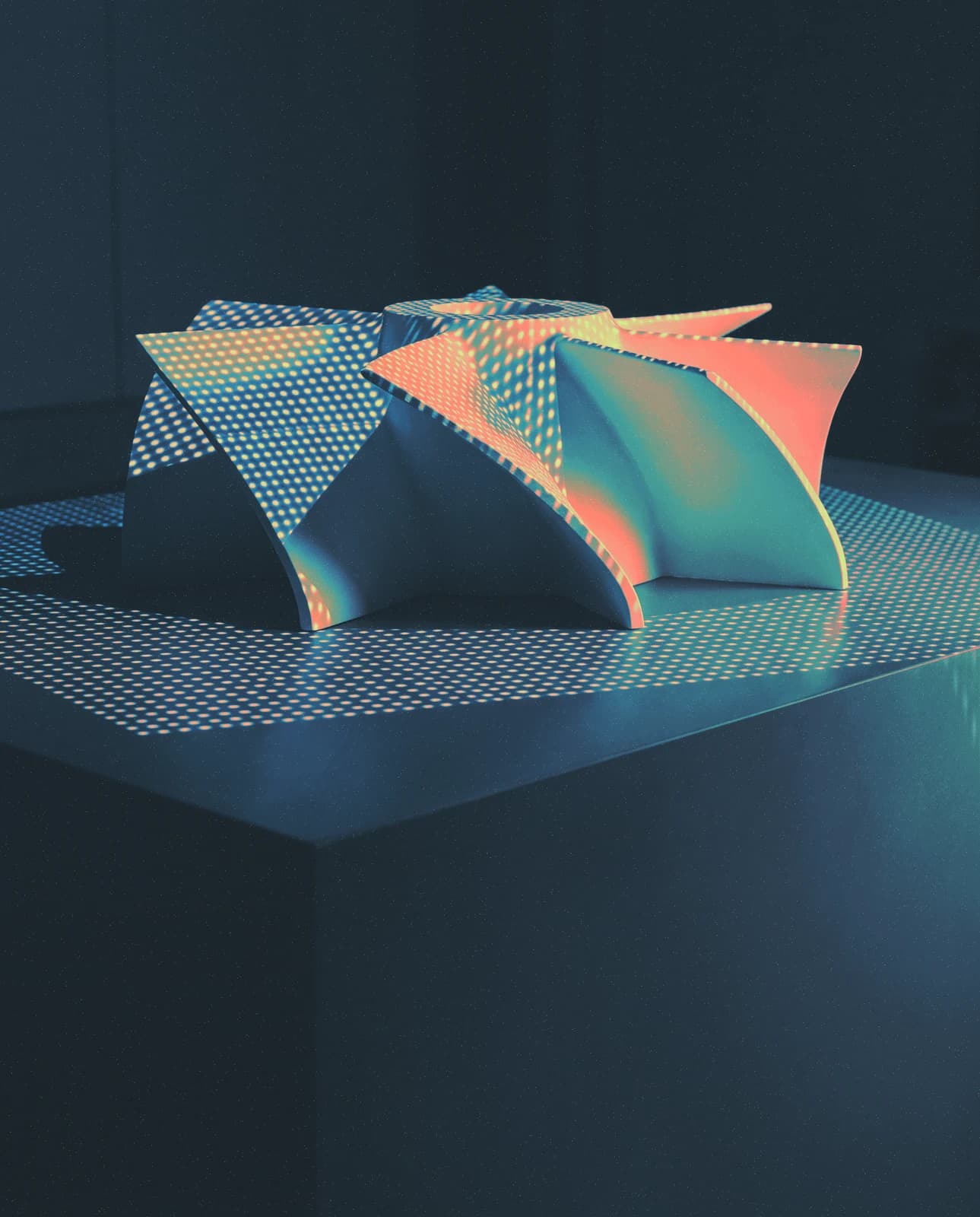
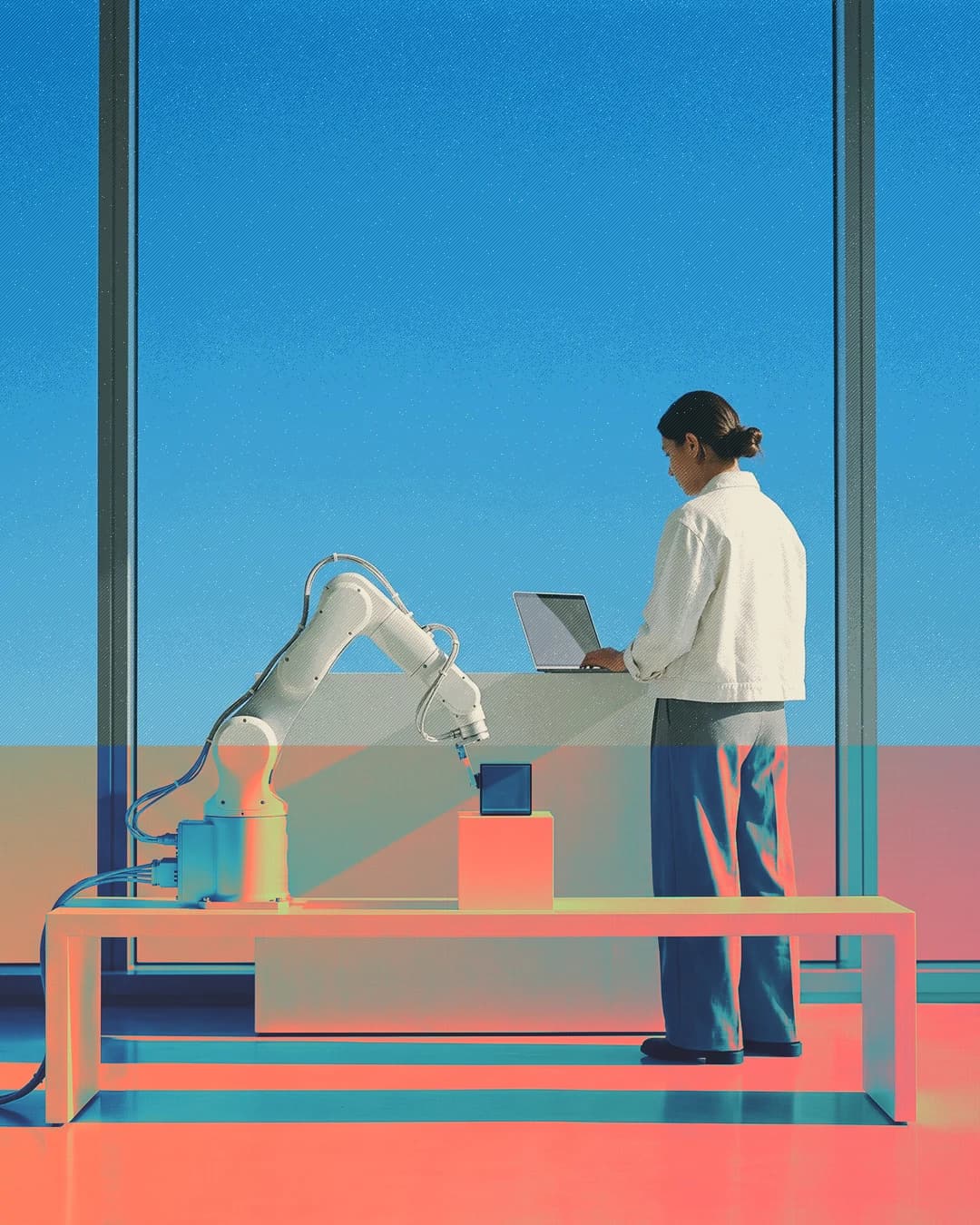
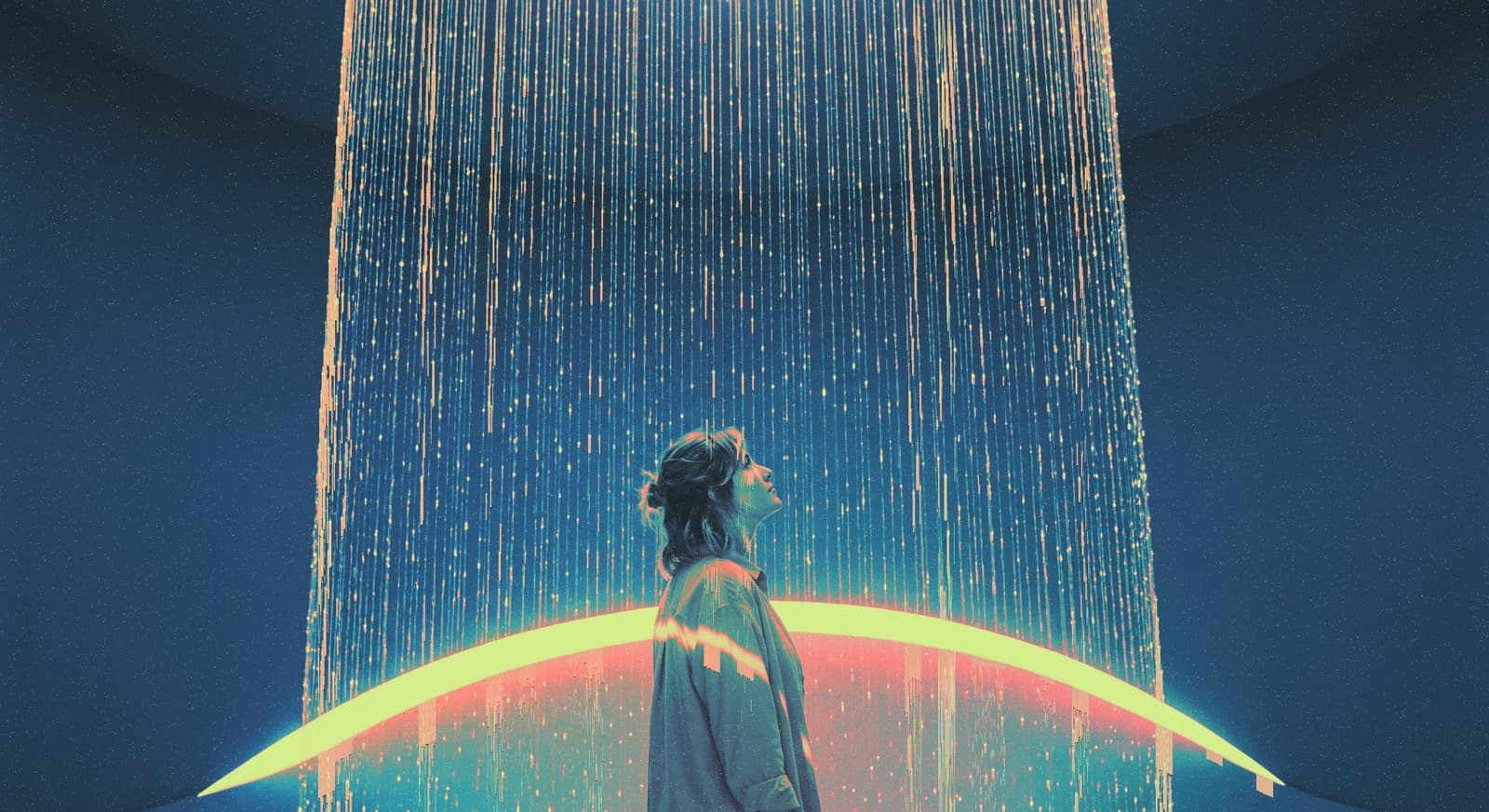
A person beneath a shower of light and a glowing arc.A person seated with a laptop beside a blue window, with coral and green texture.A person beside a server cabinet in a blue and coral laboratory.A mountain landscape under a coral sky with a glowing geometric platform.A dark server aisle with blue light and a coral glow.A person working beside a server rack under blue and violet light.A person beneath a suspended disc of blue, coral, and yellow light.A curved wall of illuminated blue and coral panels.Two people before a large blue and coral screen.An abstract folded structure with blue, coral, and green textures.A sphere of small illuminated particles suspended in a dark space.A cloud of fine light particles above a person.A person looking toward clouds with a coral streak effect.Two hands framing a blue sky with flowing coral and green trails.A person connecting cables to a server with blue and green motion trails.A symmetrical server hall with blue and coral lights reflected on the floor.A person working on a row of graphics cards with a coral and green effect.A person operating a robotic arm in a blue laboratory with coral and green effects.A person standing in a dark server aisle beneath a narrow coral light.